

















































Wi-Fi 7 Explained: Faster Speeds, Lower Latency — and Whether You Should Upgrade
Wi-Fi 7 is the newest wireless standard, and it is more than a speed bump: 320 MHz channels, denser 4K QAM and multi-link operation make connections faster and steadier, especially on crowded networks. This guide explains what Wi-Fi 7 actually does, how it compares with Wi-Fi 6 and 6E, what speeds you will really see, which phones and laptops already support it, and when an upgrade is worth your money.

Wi-Fi 7 Explained: Faster Speeds, Lower Latency — and Whether You Should Upgrade
Every few years a new Wi-Fi generation arrives with a bigger number on the box, and every few years the same question follows: does it actually change anything at home? Wi-Fi 7 does, but not in the way the headline speeds suggest. The real story is steadier connections in crowded homes, lower latency for calls and games, and a standard built for the number of devices most households now run at once. This guide explains what Wi-Fi 7 is, what each of its headline features does, how it compares with Wi-Fi 6 and Wi-Fi 6E, and when buying in makes sense.
What is Wi-Fi 7?
Wi-Fi 7 is the Wi-Fi Alliance's name for IEEE 802.11be, a standard also called Extremely High Throughput, or EHT. The Wi-Fi Alliance launched the Wi-Fi CERTIFIED 7 programme on January 8, 2024, and the IEEE approved the 802.11be-2024 standard on September 26, 2024. The standard itself was published on July 22, 2025.
Two organisations sit behind the name, and the distinction matters when you shop. The IEEE writes the 802.11 standards; the Wi-Fi Alliance runs the certification programme that tests whether products implement them correctly and work with each other. A box can say "Wi-Fi 7" without the product being certified, so the Wi-Fi CERTIFIED 7 seal — or a check in the Alliance's Product Finder — is the more reliable sign.
Wi-Fi 7 uses the same three bands as Wi-Fi 6E: 2.4 GHz, 5 GHz and 6 GHz. It is backward compatible, so older devices connect to a Wi-Fi 7 router and simply use their own generation's features. And it is no longer a niche: the Wi-Fi Alliance, citing ABI Research, puts 2026 shipments at 1.4 billion Wi-Fi 7 chipsets, against 2.2 billion for Wi-Fi 6.
The four upgrades that matter
The certification lists several features. Four of them change what you actually notice.
320 MHz channels in the 6 GHz band
A channel is the slice of radio spectrum a router and a device talk over. A wider slice carries more data per second, the way more lanes carry more cars. Wi-Fi 6 and 6E stop at 160 MHz. Wi-Fi 7 doubles that to 320 MHz, which the Wi-Fi Alliance says gives twice the throughput of Wi-Fi 6.
There is a catch. The 320 MHz channels exist only in the 6 GHz band, and only where the regulator has opened it to Wi-Fi. The US Federal Communications Commission opened 1,200 MHz of 6 GHz spectrum in April 2020, enough for three 320 MHz channels side by side. The European Union harmonised 480 MHz, from 5,945 to 6,425 MHz, in June 2021: room for one. In mainland China, Wi-Fi 7 is supported but the 6 GHz band is not available for it. Wider channels are also more susceptible to interference, so they pay off most when you are close to the router.
4K QAM: more bits in every symbol
Quadrature amplitude modulation is how Wi-Fi turns bits into radio symbols. Wi-Fi 6 uses up to 1024-QAM, which carries 10 bits per symbol. Wi-Fi 7 adds 4096-QAM, or 4K QAM, which carries 12 — so the same channel moves about 20 percent more data.
The price is precision. With 4,096 possible symbols, each one differs very little from its neighbours, and the receiver needs a strong, clean signal to tell them apart. Think of 4K QAM as a bonus you get near the router, not across the house.
Multi-link operation: two bands at once
This is the change that matters most for everyday use. Before Wi-Fi 7, a phone or laptop used one channel in one band at a time. Multi-link operation, or MLO, lets a device and a router hold links in two or more bands at once — for more throughput, lower latency and better reliability.
There are two ways to use those links. Simultaneous mode adds them together for peak throughput; alternating mode moves traffic to whichever band is clearer. For most people the second matters more: a video call keeps going when one band gets crowded, because the traffic simply steps around the interference. In a Cisco lab test cited by Purple, the simultaneous mode showed a 47 percent throughput increase over Wi-Fi 6 under identical conditions. MLO needs support at both ends — router and device — and it works even where the 6 GHz band is not available, across 2.4 and 5 GHz.
Multiple resource units and puncturing
Wi-Fi 6 introduced OFDMA, which divides a channel into resource units so several devices can share one transmission. Wi-Fi 7 can assign several resource units to a single device, giving the router more flexibility when it schedules traffic.
Puncturing solves a different problem. In earlier generations, interference on part of a channel — from a neighbour's network, for example — stopped the router from using the rest of that channel. With preamble puncturing, the router leaves out the busy slice and transmits on the unused portions instead. A wide channel stays usable in a crowded building.
Wi-Fi 7 vs Wi-Fi 6 vs Wi-Fi 6E
| Wi-Fi 6 | Wi-Fi 6E | Wi-Fi 7 | |
|---|---|---|---|
| IEEE standard | 802.11ax | 802.11ax | 802.11be |
| Introduced | 2018 | 2021 | 2024 |
| Bands | 2.4 and 5 GHz | 2.4, 5 and 6 GHz | 2.4, 5 and 6 GHz |
| Widest channel | 160 MHz | 160 MHz | 320 MHz, in 6 GHz only |
| Densest modulation | 1024-QAM | 1024-QAM | 4096-QAM (4K QAM) |
| Several bands at once | No | No | Yes, multi-link operation |
| Theoretical maximum | About 9.6 Gbps | About 9.6 Gbps | About 46 Gbps |
The important comparison is with Wi-Fi 6E, because both generations use the 6 GHz band. A Wi-Fi 7 device that uses neither 320 MHz channels nor 4K QAM has the same peak rate as a Wi-Fi 6E one. Apple's Wi-Fi 7 iPhones, for example, list 2,400 Mbps on 6 GHz for both generations — what they gain is multi-link operation and puncturing: steadier connections when the air is busy, rather than a higher number.
How fast is Wi-Fi 7 in real life?
The biggest numbers on the box describe the standard and the access point, not your phone. The 46 Gbps figure assumes 4096-QAM, a 320 MHz channel and 16 spatial streams, and that capacity is shared by every device on the access point. A single device sees far less, for five reasons.
First, it has two spatial streams. Most phones and laptop cards are 2x2, and the best two-stream rate on a spec sheet is 5.8 Gbps — and only with a 320 MHz channel and 4K QAM together. Second, many Wi-Fi 7 devices use neither: Apple's Wi-Fi 7 iPhones and Macs list 160 MHz channels and 2,400 Mbps, and Intel sells a Wi-Fi 7 module, the BE202, rated at 2.4 Gbps.
Third, the raw radio rate is not throughput. Intel's own best case assumes about 90 percent efficiency in the 6 GHz band, turning a theoretical 5.76 Gbps into an estimated 5.19 Gbps over the air — before the channel is shared with every other device and network on it. Fourth, distance and walls cost the most: 6 GHz gives the best performance close to the router and has a shorter range than the other bands, and 4K QAM needs a strong signal. Fifth, the wired side and the internet plan set a ceiling. Wi-Fi cannot move data faster than the link behind it — and for anything that comes from the internet, your plan is the limit.
To find your own ceiling, compare a wired speed test with Wi-Fi tests near the router and where you actually work. If your plan is already well within what your current Wi-Fi delivers near the router, a new standard changes little.
Which phones and laptops support Wi-Fi 7?
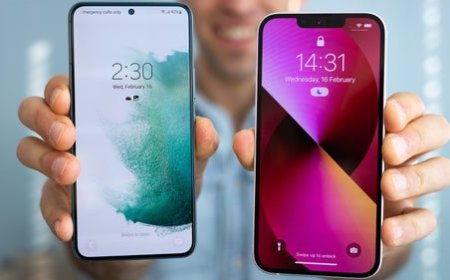
Support is now broad at the top of the market, and it is still patchy below it. From the vendors' own specification pages, as of late 2026:
- Apple: iPhone 16 Pro and 16 Pro Max or later, iPhone Air and the iPhone 17 range; MacBook Air with M5 or later, MacBook Pro with M5 Pro or M5 Max or later, and iPad Pro with M5 or later. Apple's Wi-Fi 7 devices use 160 MHz channels, two streams and 2,400 Mbps.
- Google: Pixel 10 Pro, 10 Pro XL and 10 Pro Fold, and the Pixel 11 Pro, 11 Pro XL and 11 Pro Fold. The standard Pixel 10 and Pixel 11 list Wi-Fi 6E.
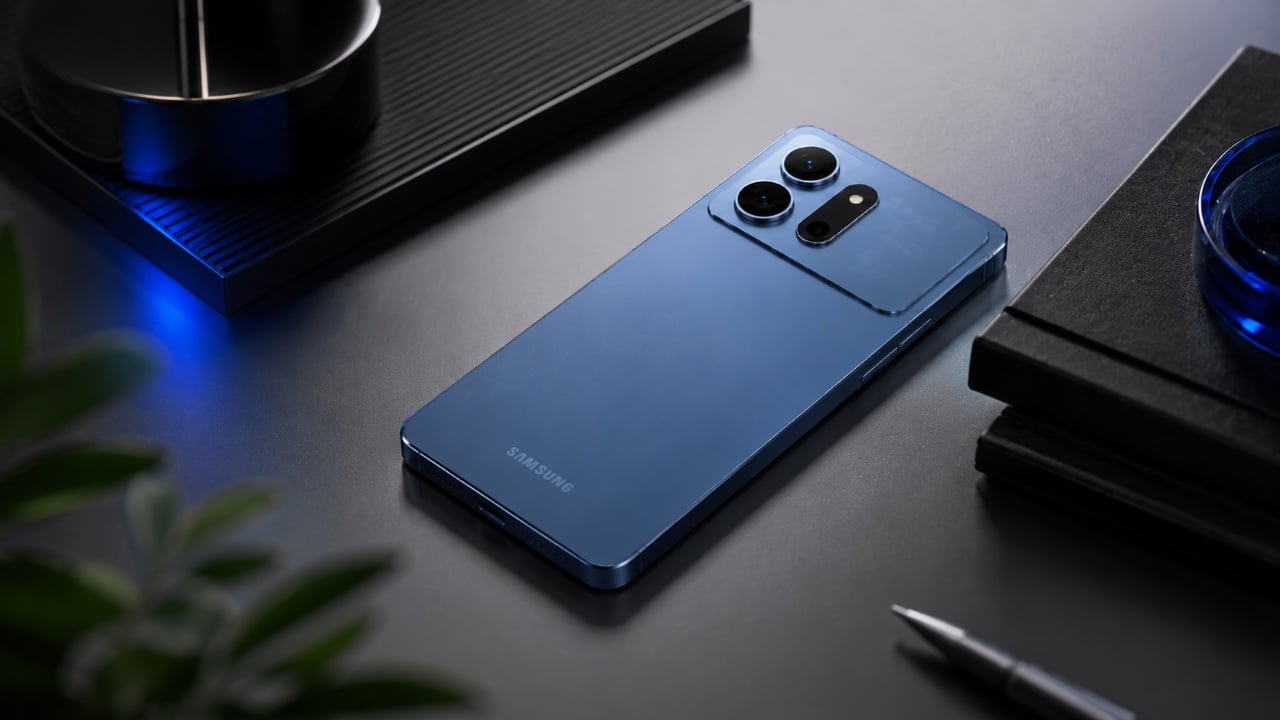
- Samsung: Galaxy S25 Ultra and Galaxy S26 Ultra, both with Wi-Fi 7 on the Snapdragon 8 Elite platforms.
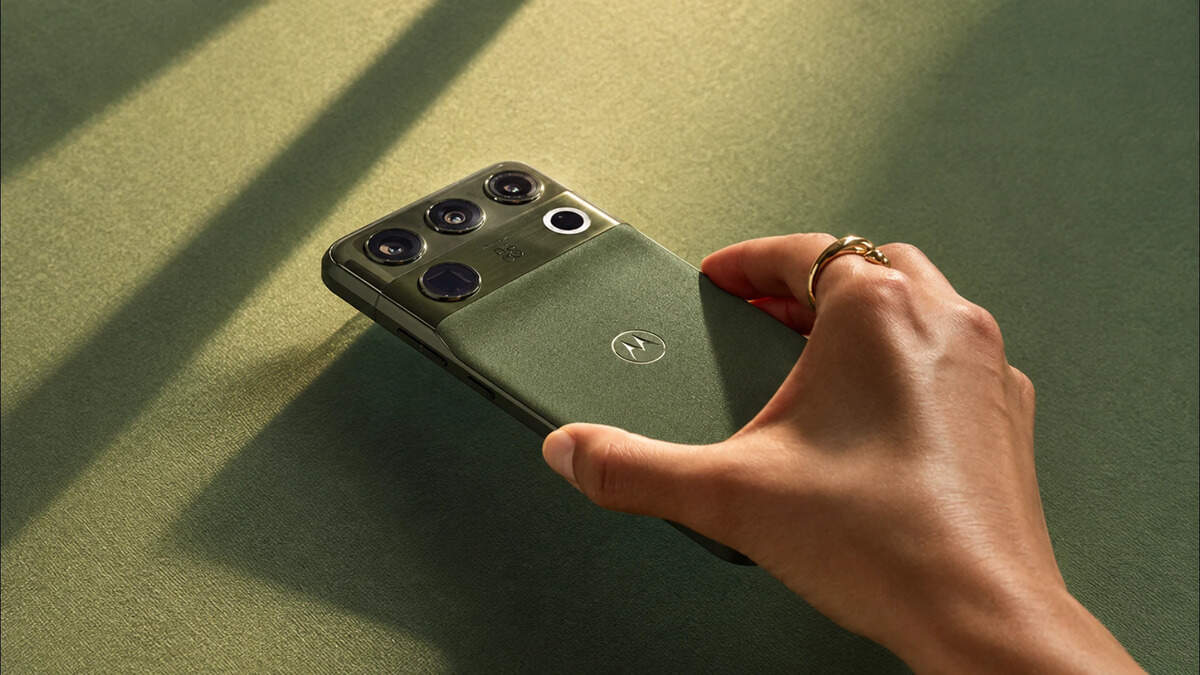
- Other Android flagships: Xiaomi 15 Ultra, OnePlus 13 and OnePlus 15, Motorola Edge 70 Pro, and the OnePlus Nord 6. Smartprix's November 2026 list counts 381 Wi-Fi 7 phones on sale in India.
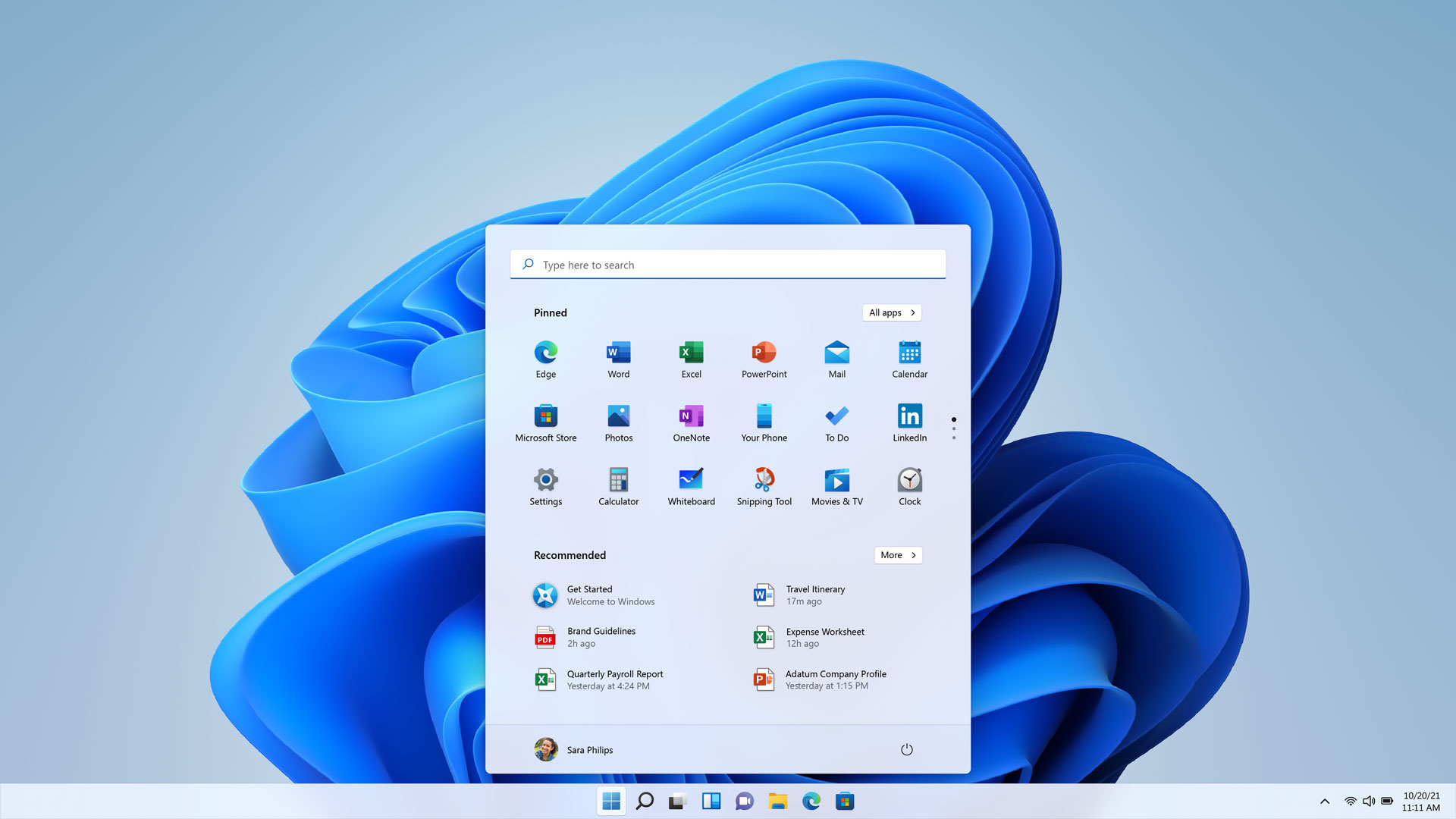
- Windows laptops: models with Intel Wi-Fi 7 modules — the BE200 and BE201 at 5.8 Gbps, the BE202 at 2.4 Gbps — or Qualcomm's FastConnect 7800 at 5.8 Gbps. Windows 11 supports Wi-Fi 7 from version 24H2, with a Wi-Fi 7 adapter and driver. You can check a Windows PC by running
netsh wlan show driversin Terminal and reading the "Radio types supported" line: 802.11be means Wi-Fi 7.
Two things stand out. "Wi-Fi 7" on a spec sheet covers a wide range — Intel's modules run from 2.4 to 5.8 Gbps, and Apple's devices use 160 MHz channels. And base models lag: Google's non-Pro Pixels and Apple's e-series iPhones still ship without Wi-Fi 7. Check the model's specifications for "802.11be" before you buy for the feature.
What you need to benefit from Wi-Fi 7
Wi-Fi 7 features work only when every part of the connection supports them. Check these in order: a Wi-Fi 7 router or access point, preferably Wi-Fi CERTIFIED 7; Wi-Fi 7 devices; a current operating system and driver; the 6 GHz band, where your country allows it; WPA3, which is mandatory in the 6 GHz band — devices that know only WPA2 stay on 2.4 or 5 GHz; and a wired side that keeps up, with multi-gigabit ports on the router and switches when your internet plan or local file transfers go beyond what a 1 GbE port carries.
In January 2026 the Wi-Fi Alliance also extended Wi-Fi 7 certification to devices that use only 20 MHz channels — sensors, wearables and other small devices — so they can use Wi-Fi 7 features such as multi-link operation without the wide channels. Wi-Fi 7 is no longer only a speed upgrade for laptops.
Should you upgrade?
For most homes, Wi-Fi 7 is worth buying when you replace the router, not a reason to replace one that works. Upgrade now if your router no longer gets firmware updates — then you need a new one anyway, and a Wi-Fi 7 model will serve the next several years of devices. Upgrade if you pay for a multi-gigabit plan and want Wi-Fi to carry more of it, if you own several Wi-Fi 7 or 6E devices and live where 6 GHz is open, or if your building is crowded with networks, where multi-link operation and puncturing are built for congested air.
Wait if most of your devices are Wi-Fi 5 or 6 — they will connect at their own generation's speed until you replace them. And if coverage is the problem, a new standard does not push signal through more walls; 6 GHz has the shortest range of the three bands. Better placement, a mesh system or a wired access point fixes dead zones; a faster radio in the same corner does not. If slow speeds are the complaint rather than the standard, our guide to fixing slow Wi-Fi at home covers the checks that cost nothing first.
A small office is a different calculation: more devices share the air, access points stay in the ceiling for years, and the wired network matters as much as the radio. Count the clients by Wi-Fi generation, check that the switches can supply multi-gigabit ports and PoE+ power, and test how staff sign in — as of September 2026, Microsoft states that Wi-Fi 7 Enterprise is not supported in Windows 11, so test with your own laptops before counting on Wi-Fi 7 features for them.
What comes next: Wi-Fi 8
Wi-Fi 8 is built on IEEE 802.11bn, Ultra High Reliability. It does not chase a new peak speed: its stated goals, compared with Wi-Fi 7, are 25 percent more throughput at a given signal quality, 25 percent lower latency at the 95th percentile, and 25 percent fewer lost frames, especially when a device moves between access points. The feature researchers point to is coordination between access points, so neighbouring access points schedule their transmissions instead of competing for them. The IEEE's own timeline, dated September 19, 2026, expects final approval around May 2028. For a purchase today, that makes Wi-Fi 8 a reason to buy certified Wi-Fi 7 equipment with a long update life — not a reason to wait.
Wi-Fi 7, in the end, is less about the 46 Gbps on the box than about what happens when dozens of devices share the air: connections that hold up instead of stalling. If your next router is a Wi-Fi 7 model, that is the upgrade you are actually buying.
Sources
- Computese — Wi-Fi 7 vs Wi-Fi 6E: what changed, and is it worth it?
- Ezurio — How Does Wi-Fi 7 Compare to Wi-Fi 6 and 6E?
- Purple — WiFi 7 (802.11be) enterprise guide: MLO, 320MHz and AP migration
- GizmoChina — 5 Best Snapdragon 8 Elite phones: Top picks for 2026
- Smartprix — Mobile Phones With Wi-Fi 7 (November 2026)
What's Your Reaction?
 Like
0
 Dislike
0
 Love
0
 Funny
0
 Angry
0
 Sad
0
 Wow
0