










































How Much RAM Do You Really Need in 2026? Phone, Laptop and PC Guide
4GB, 8GB, 16GB or 32GB — how much RAM is enough? This guide explains what RAM does, how much you need for a phone, laptop or PC in 2026, and when more RAM actually helps.
How Much RAM Do You Really Need in 2026? Phone, Laptop and PC Guide
4GB, 8GB, 16GB or 32GB — how much RAM is enough? This guide explains what RAM does, how much you need for a phone, laptop or PC in 2026, and when more RAM actually helps.
What is RAM?
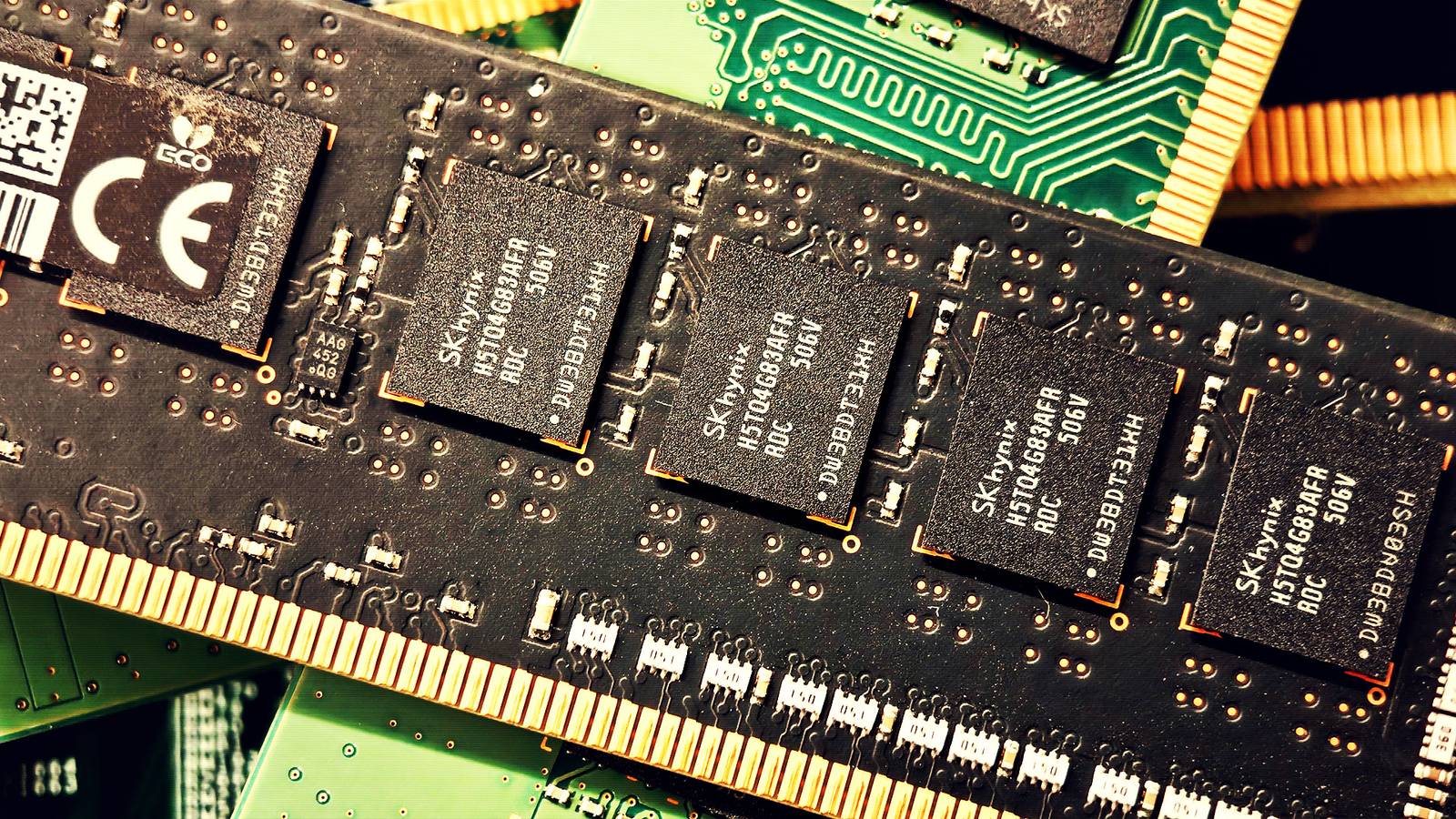
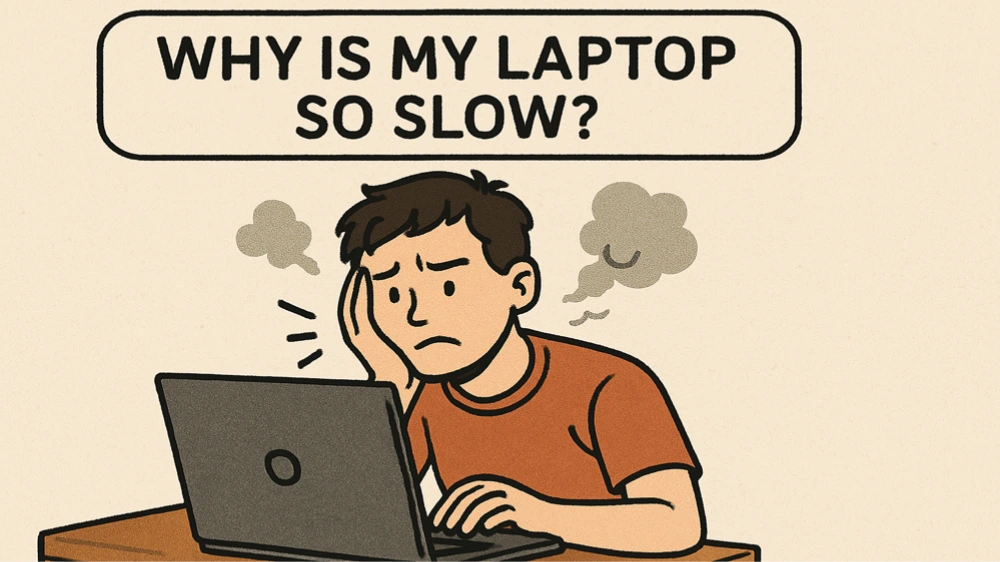
RAM (random access memory) is your device's short-term memory. It holds the apps, browser tabs and files you are using right now, so the processor can reach them instantly. When RAM runs out, the device starts using storage instead — and storage is far slower, which is why a device with too little RAM feels laggy. More RAM lets you run more things at once without slowing down, but it does not make a single app run faster on its own.
How much RAM for a phone?
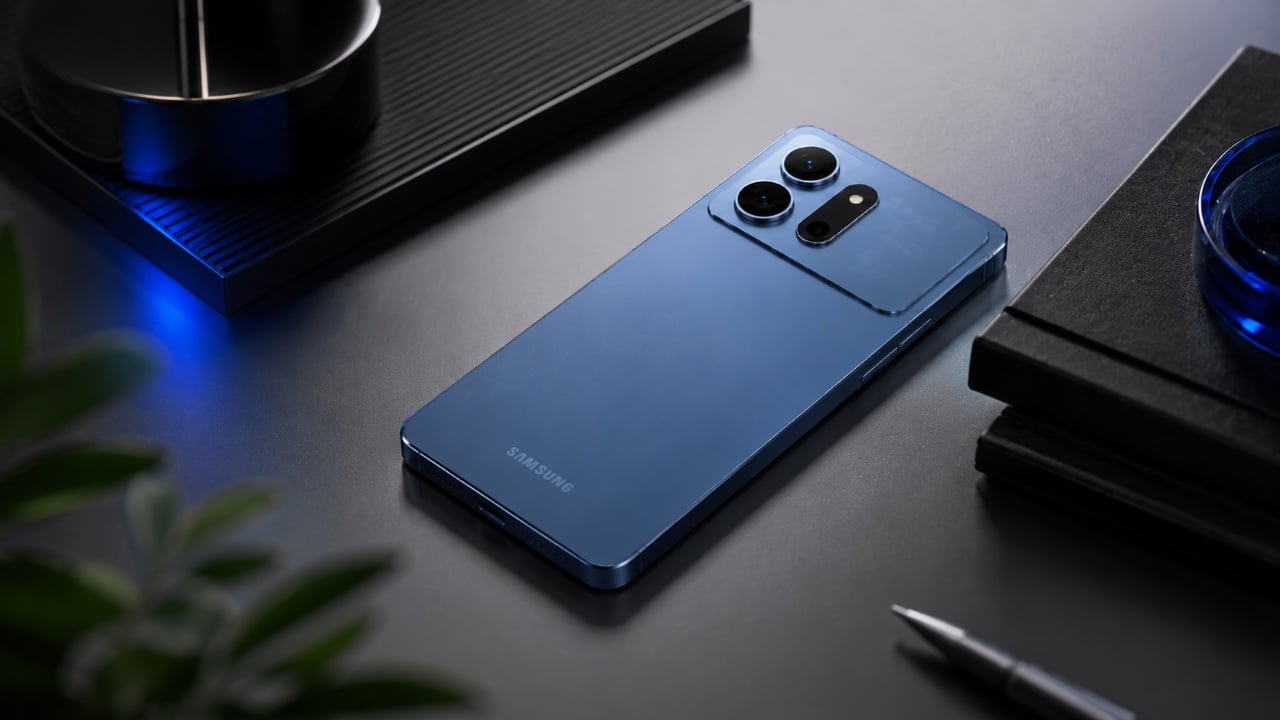
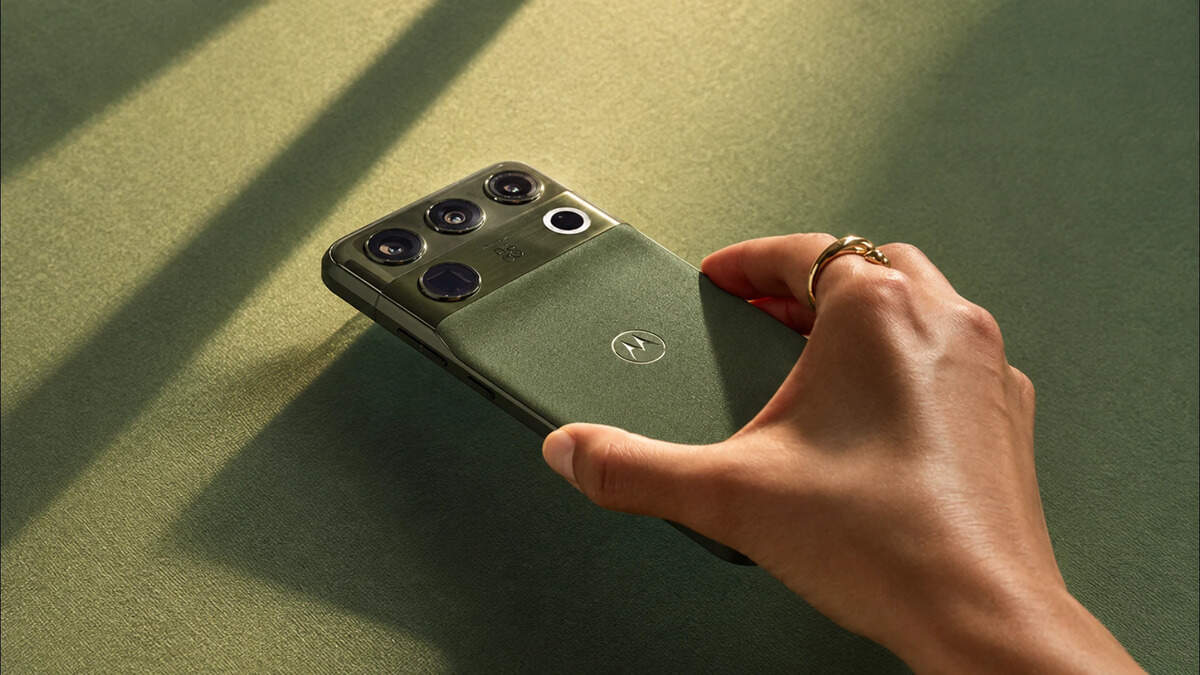
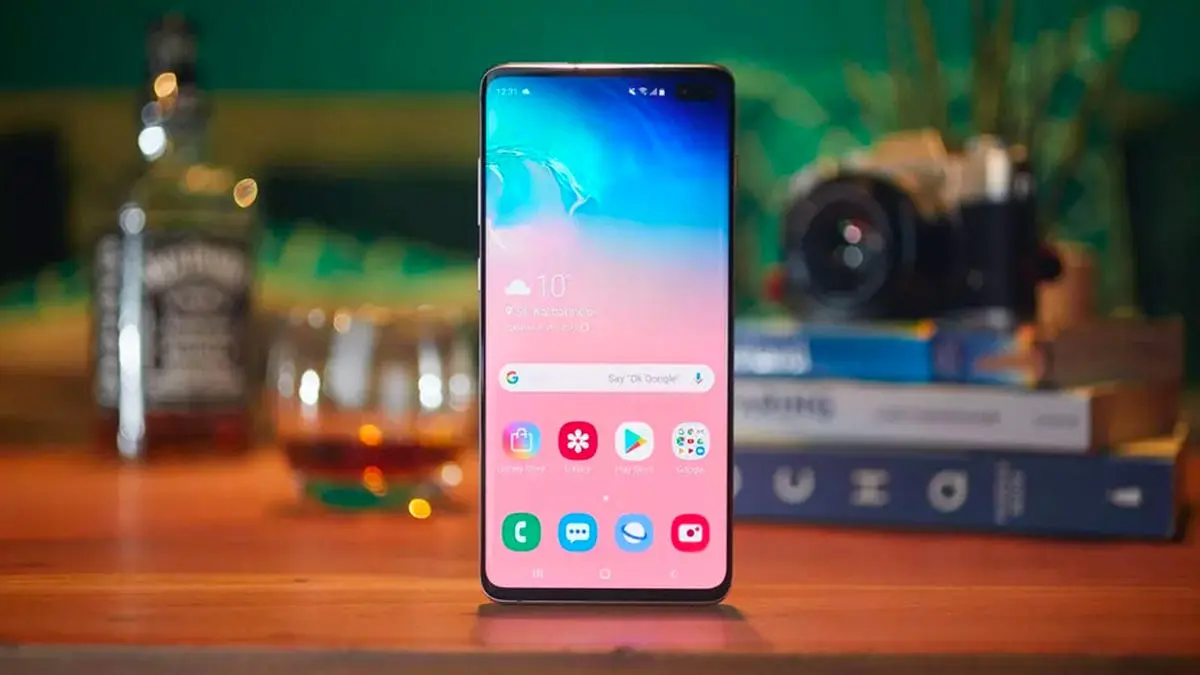
For a smartphone in 2026, 8GB is the sensible minimum. With 4GB or 6GB, apps reload constantly when you switch between them, and the camera can stutter. 8GB handles everyday use smoothly. 12GB is comfortable for heavy multitasking and gaming, and 16GB on flagship phones mainly helps with AI features and keeping many apps in memory. Beyond 16GB on a phone, you will rarely notice a difference.
How much RAM for a laptop?
For a laptop, 8GB is the practical minimum in 2026 — enough for browsing, office work, streaming and light photo editing. But with browsers and apps getting heavier, 16GB is the sweet spot for most people and the amount to choose if you plan to keep the laptop for several years. Choose 32GB if you edit video, work with large spreadsheets, run virtual machines, or use AI tools locally. 64GB is for professionals doing heavy video, 3D or engineering work.
How much RAM for a desktop PC?
The same logic applies to desktops, with gaming in mind: 16GB is the standard for gaming in 2026 and handles modern games well. 32GB is worth it if you game while streaming, edit video, or run demanding creative software. For a basic office or browsing PC, 8GB still works — but 16GB is cheap insurance against slowdowns.
RAM vs storage: do not confuse them
RAM and storage are different things. Storage (128GB, 256GB, 512GB) is where your files live permanently. RAM is working memory that empties when you switch the device off. A phone with 256GB of storage but only 4GB of RAM will still feel slow, because storage does not help with multitasking.
Can you upgrade RAM later?
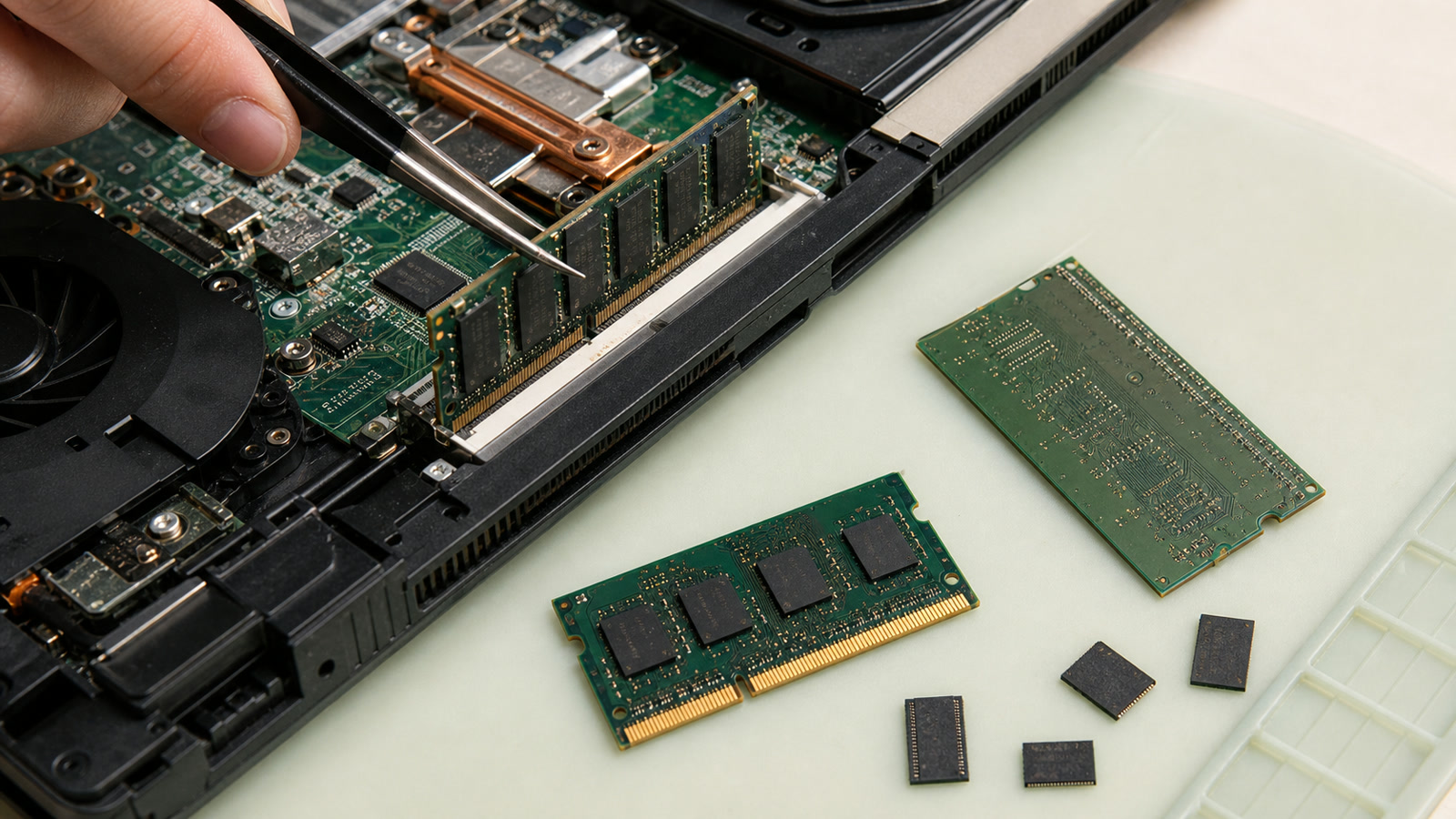
Many Windows laptops and desktops let you add more RAM later — check whether the memory slots are accessible and whether the RAM is soldered. Most modern phones and many thin laptops (including MacBooks) have RAM soldered to the board, so you must choose the right amount when you buy. If you cannot upgrade later, buy more RAM than you need today.
How to check how much RAM you have
On Windows, open Task Manager (Ctrl + Shift + Esc), go to Performance, then Memory. On a Mac, go to Apple menu, then About This Mac. On Android, go to Settings, then About Phone, or check in Developer Options under Memory. On iPhone, Apple does not show RAM in settings — you will need a third-party app or the phone's spec sheet.
Sources
What's Your Reaction?
 Like
0
 Dislike
0
 Love
0
 Funny
0
 Angry
0
 Sad
0
 Wow
0