










































Cloud Storage Compared: Google Drive vs OneDrive vs Dropbox vs iCloud in 2026
Google Drive, OneDrive, Dropbox and iCloud all store your files in the cloud — but they differ in free space, price and features. This comparison helps you pick the right one.
Cloud Storage Compared: Google Drive vs OneDrive vs Dropbox vs iCloud in 2026
Google Drive, OneDrive, Dropbox and iCloud all store your files in the cloud — but they differ in free space, price and features. This comparison helps you pick the right one.
Cloud storage keeps your files safe even if your phone or laptop is lost, stolen or broken, and lets you reach them from any device. The big four services all do the basics well — the differences are in free storage, pricing, and how well they fit the devices you already use.
Google Drive
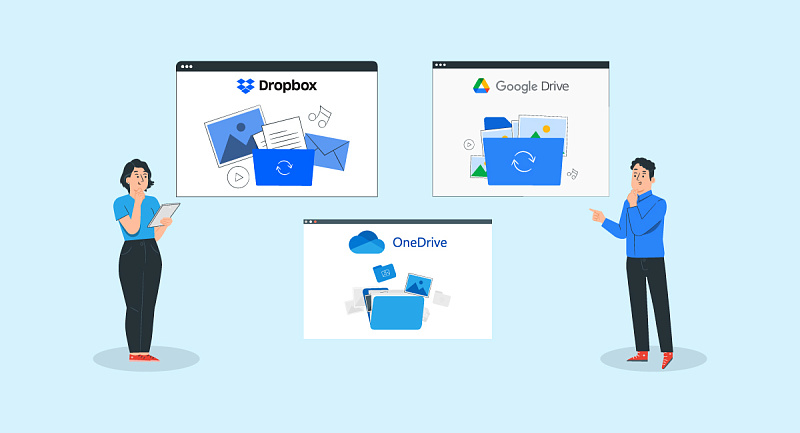
Google Drive gives you 15 GB free, shared across Drive, Gmail and Google Photos. It is the natural choice if you use Android or Gmail, and it works well with Google Docs, Sheets and Slides. Paid plans start at 100 GB and go up to 2 TB and beyond through Google One, which also adds extra features like VPN and photo editing tools on some plans. Drive's search is excellent, and sharing files with a link is simple.
Microsoft OneDrive
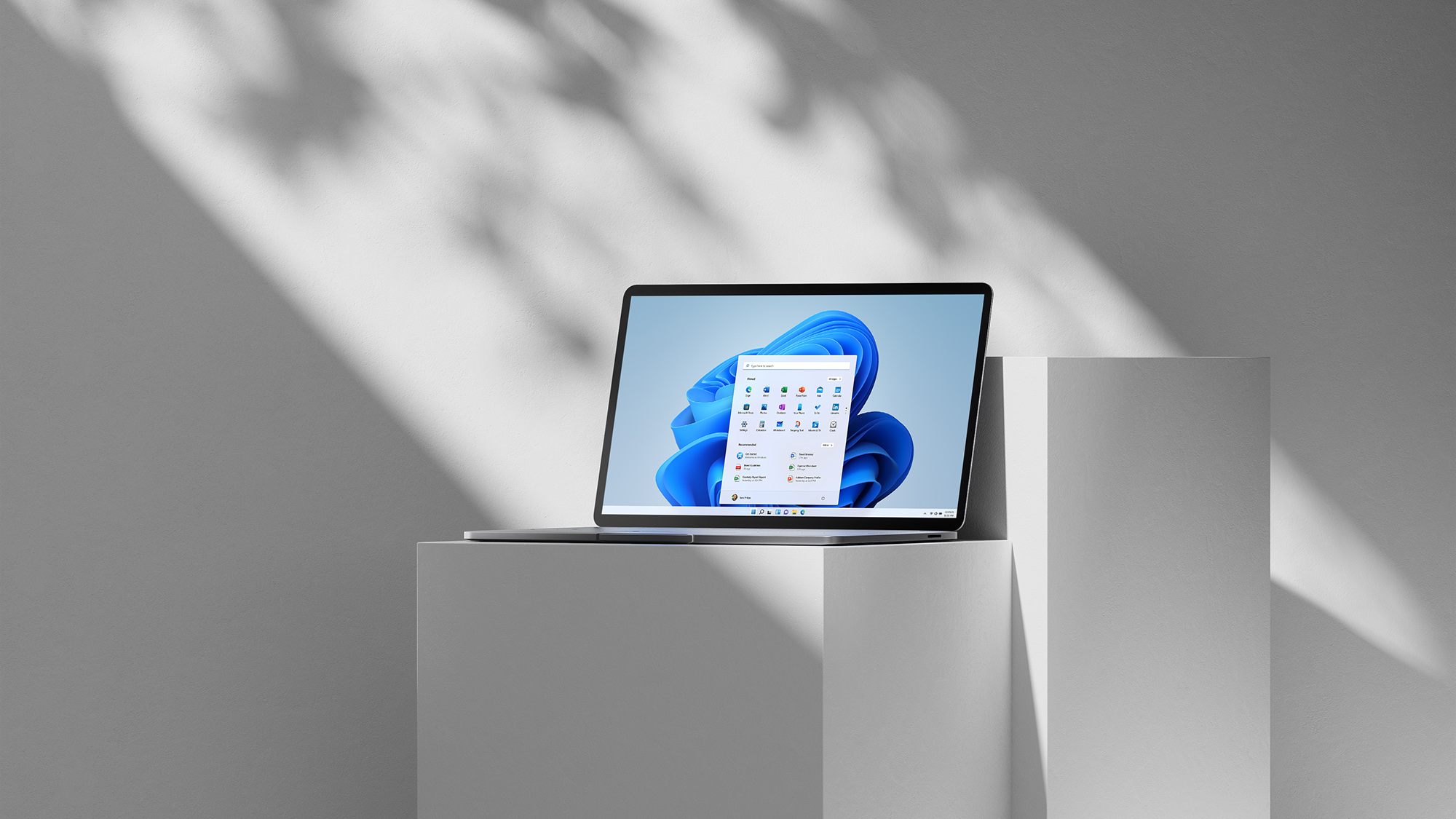
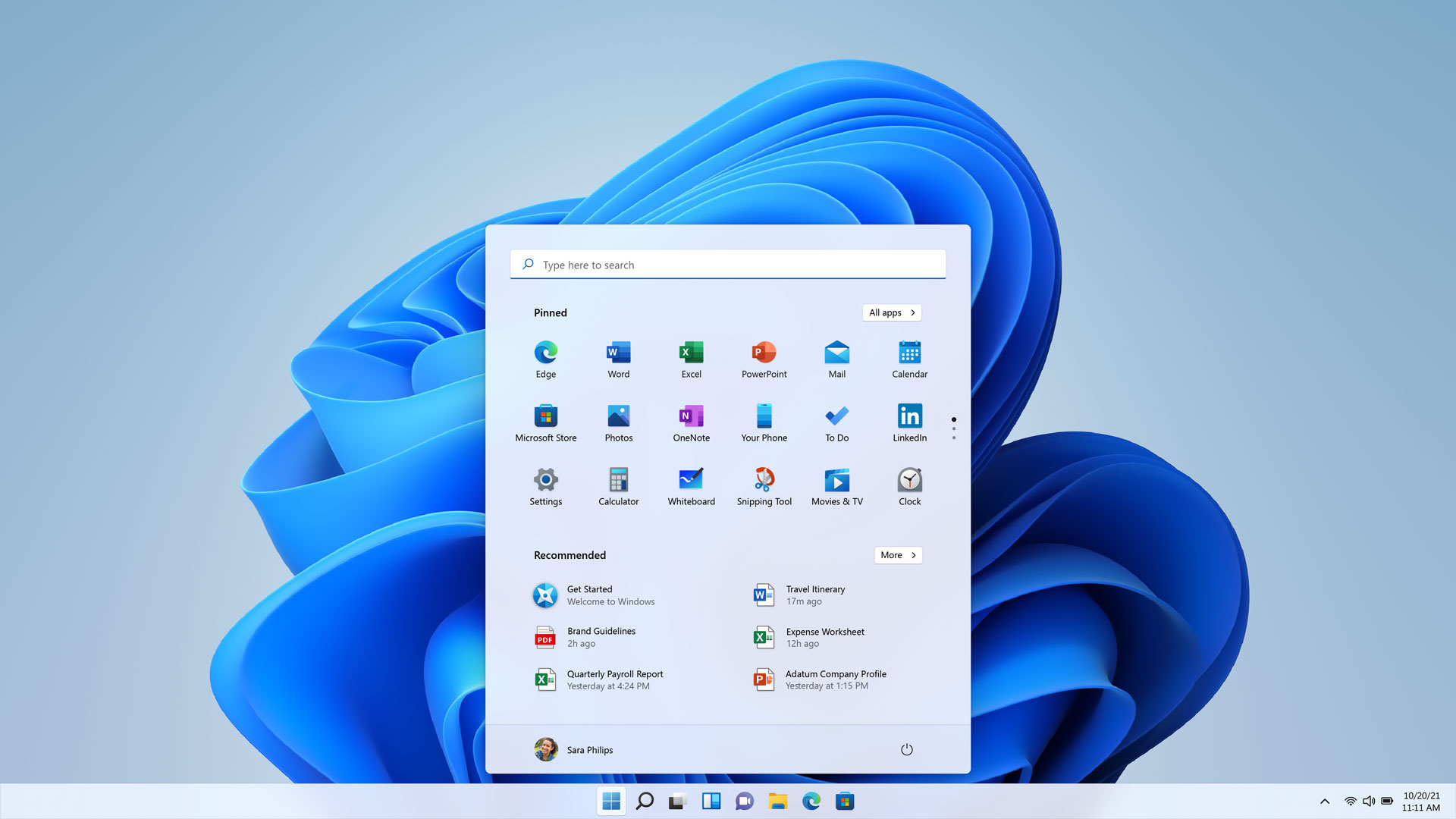
OneDrive gives you 5 GB free. It is deeply built into Windows and Microsoft 365 — your Documents and Desktop folders can sync automatically, and Office files open and save directly to the cloud. The best value is the Microsoft 365 Personal plan, which includes 1 TB of storage plus Word, Excel, PowerPoint and Outlook. If you live in Windows and Office, OneDrive is the obvious pick.
Dropbox
Dropbox gives you 2 GB free — the least of the four — but it is still the favourite of many professionals. Its syncing is famously fast and reliable, it works identically on Windows, Mac, Linux, Android and iOS, and its file-sharing and collaboration tools are polished. Paid plans start at 2 TB. Dropbox is the best choice if you work across many different devices and platforms and want syncing that simply never fails.
Apple iCloud
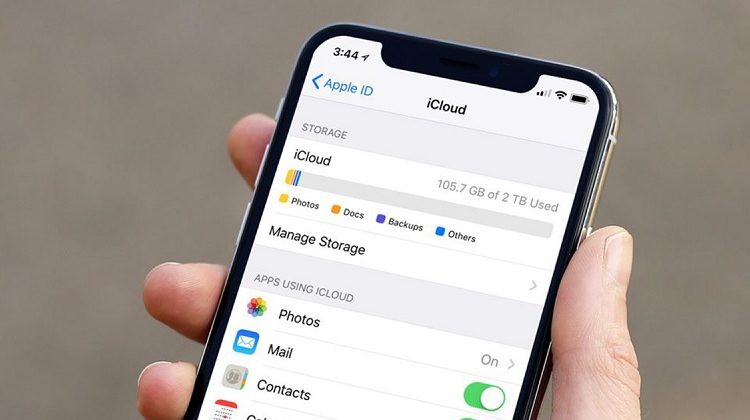
iCloud gives you 5 GB free and is built into every iPhone, iPad and Mac. Photos, backups, messages and app data sync automatically, and iCloud Drive works like any other folder on your devices. Paid plans start at 50 GB and go up to 12 TB, and family sharing lets up to six people share one plan. If you use Apple devices, iCloud is nearly invisible — it just works. On Windows and Android it is more limited.
Which one should you choose?
Pick the service that matches the devices you already use: Google Drive for Android and Gmail, OneDrive for Windows and Microsoft 365, iCloud for iPhone and Mac, Dropbox if you work across everything and need the most reliable syncing. You can also mix them — many people use iCloud for phone backups and Google Drive for documents, for example.
Free storage is not enough — what then?
Free tiers (2 to 15 GB) fill up fast, especially with photos and videos. Before paying, clean up: delete duplicate photos, remove old videos, and empty the trash — cloud services keep deleted files for 30 days, so they still count against your quota until then. If you still need more, the cheapest paid plans (100 GB on Google One, 50 GB on iCloud) cost very little per month.
Keep a backup of your backup
Cloud storage is not the same as a backup. If you delete a file and the deletion syncs everywhere, it is gone from all your devices. For files you cannot afford to lose, keep a second copy somewhere else — an external hard drive, or a second cloud service. The 3-2-1 rule is a good guide: three copies, on two different media, with one off-site.
Sources
What's Your Reaction?
 Like
0
 Dislike
0
 Love
0
 Funny
0
 Angry
0
 Sad
0
 Wow
0