
























































Five Practical Ways to Stay Safer Online as AI-Enabled Hacking Grows
Use multifactor authentication, automatic updates, passkeys and scam awareness to reduce everyday online risk as AI makes attacks easier to scale.
Five Practical Ways to Stay Safer Online as AI-Enabled Hacking Grows
People cannot patch the software running a hospital, retailer or government website, but they can reduce some personal risks. Reuters spoke with security researchers after critical PHP vulnerabilities triggered urgent patching efforts and reported five practical measures for consumers and organizations.
1. Turn on multifactor authentication
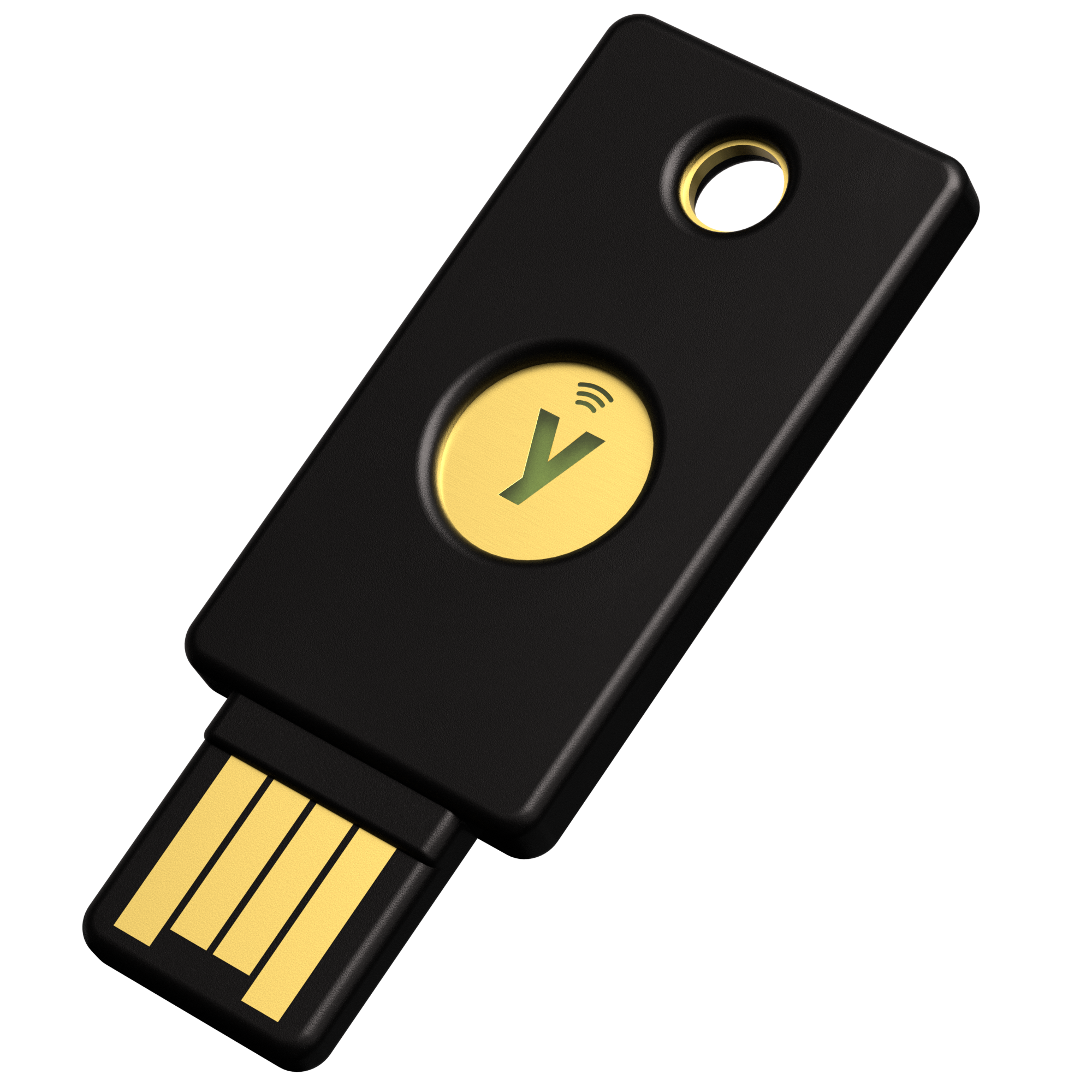
Multifactor authentication requires more than a password, such as a text code, authenticator approval or security key. Use a different password for every service and monitor account activity. MFA cannot repair a vulnerable website, but it can make stolen credentials less useful.
2. Install updates automatically
Enable automatic security updates on phones, computers and home routers. Apply patches promptly to internet-connected devices, including smart-home equipment. Security expert Runa Sandvik warned that some IoT products receive updates infrequently, so users should check the manufacturer’s support information.
3. Patch the software you operate
Organizations should maintain an inventory of software, deploy fixes quickly and look for signs of compromise. AI can make vulnerability discovery faster, widening the gap between finding a weakness and repairing every dependent system. Website visitors cannot close that gap themselves; service operators must do so.
4. Treat urgent security messages as suspicious
Major cyber incidents create opportunities for scammers. Do not click an unsolicited “secure your account” link. Open the official app or type the known web address yourself, then follow the provider’s instructions.
5. Prefer passkeys when available
Passkeys are tied to a specific website and can resist phishing better than passwords. Banks may have stronger defenses than unfamiliar online retailers, so avoid reusing credentials and be cautious when shopping on unknown sites.
Illustrative file photo of software code on a monitor; it does not depict an attack or a system involved in this report. Photo: Markus Spiske / Unsplash. Unsplash License; cropped to 16:9. Image source; license.
Sources
What's Your Reaction?
 Like
0
Like
0
 Dislike
0
Dislike
0
 Love
0
Love
0
 Funny
0
Funny
0
 Angry
0
Angry
0
 Sad
0
Sad
0
 Wow
0
Wow
0