






































How to Choose the Best Smartphone for Gaming in 2026
Learn how to choose the best gaming smartphone in 2026, from chipset and sustained performance to display, battery, cooling, software, price and regional compatibility.

Choosing the best smartphone for gaming in 2026 is not simply a matter of buying the phone with the highest benchmark score. A good gaming phone must hold performance during long sessions, keep touch input responsive, provide a display that suits the games you play, and still work as a practical everyday phone. It also needs the right operating system, storage, network bands, warranty and software support for your country.
The best choice depends on your games and budget. A competitive shooter player may value touch response, stable frame rates and shoulder triggers. Someone who plays Genshin Impact or another demanding 3D title may benefit more from sustained cooling and battery capacity. A player who also wants excellent cameras and long software support may prefer a mainstream flagship over a specialist gaming phone.
Start with the games you actually play
Before comparing phones, list the games you use most often and the settings you want to run. Casual puzzle games and turn-based titles place very different demands on a phone from high-frame-rate shooters, open-world games or emulators.
Check each game’s current device and operating-system requirements in its official store listing. Compatibility can vary by region, chipset, operating-system version and developer support. A phone can have enough raw power but still lack a particular graphics mode or controller feature because the game does not enable it.
Also decide whether you play competitively. For a casual player, a bright 120Hz screen and reliable battery may matter more than a 165Hz panel. For competitive play, low touch latency, consistent frame pacing and a comfortable horizontal grip can be more valuable than a higher peak refresh rate that only a few games support.
1. Compare sustained performance, not just the processor name
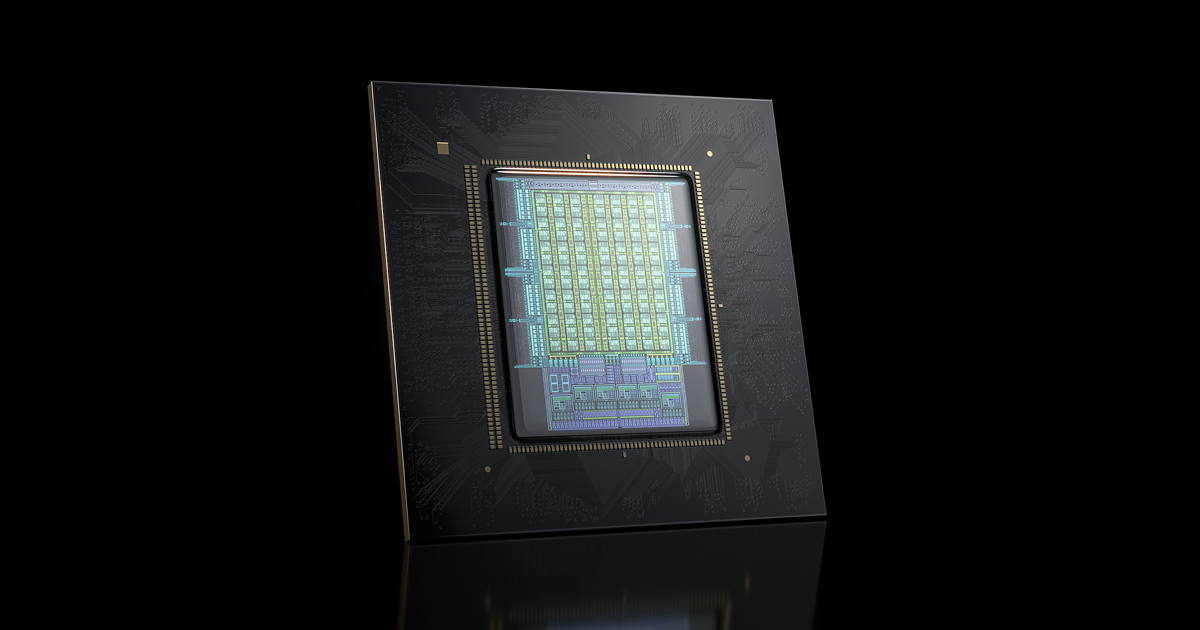
The chipset is the starting point, but its model name is not the whole story. A modern flagship platform can deliver excellent short bursts of performance while the phone later reduces speed as temperatures rise. Look for independent long-session testing, not just a manufacturer’s peak frame-rate claim.
Qualcomm’s Snapdragon 8 Elite Gen 5 page lists hardware features including Unreal Engine 5 support, mesh shading, tile memory, ray-tracing improvements and AI-enhanced Wi-Fi latency claims.[1] These features show what the platform can support. They do not guarantee that every game uses them, or that every phone built around the chip will perform identically.
When reading a review, look for frame-rate stability after 20 to 60 minutes, surface temperature, battery drain, performance mode behavior and whether the phone throttles. A slightly slower phone that stays stable may feel better than a faster phone that repeatedly drops frames.
Do not treat synthetic benchmark numbers as a ranking by themselves. Tests use different versions, temperatures, settings and software builds. Use them as clues, then prioritize game testing that resembles your own use.
2. Treat cooling as a complete system
Gaming generates heat in the processor, display, modem and battery. Cooling may include a vapor chamber, graphite, heat pipes, liquid components or an active fan. Specialist gaming phones sometimes add a built-in fan and air intake, while conventional flagships generally use passive cooling.
An active fan can help during sustained play, but it may add noise, consume power and reduce dust or water resistance. A large passive cooling system is quieter and simpler, but its effectiveness depends on the phone’s internal design and the ambient temperature. Do not assume that a “liquid cooling” label automatically means lower temperatures; check independent measurements.
Charging while gaming deserves special attention. Some phones offer bypass or charge-separation modes that power the system more directly instead of continuously filling the battery. Confirm how the feature works on the exact model and whether it is available in your region. It can reduce heat and battery stress, but it does not make a poor thermal design good.
Innopark IT’s coverage of the RedMagic 12 Pro+ illustrates why specifications need context: its RGB liquid-cooling concept is visually distinctive, but practical value still depends on sustained testing, fan noise, power use and the complete thermal design.[2]
3. Choose the display for your games and hands
A high refresh rate can make scrolling and supported games feel smoother, but the number on the box is only useful when the game, system and performance mode can maintain it. A 120Hz display is already sufficient for many games. Panels advertised at 144Hz, 165Hz or higher may provide a benefit in compatible titles, but they can also use more power.
Check these display characteristics:
- Refresh rate: Confirm whether the mode is adaptive, fixed or limited to selected games.
- Touch sampling and latency: Prefer measured results over unexplained “instant touch” marketing.
- Brightness: Outdoor play is easier when the screen remains readable in daylight. Peak brightness is not the same as sustained brightness.
- Size and aspect ratio: A large screen helps visibility but can make a phone harder to hold for long sessions.
- Resolution and efficiency: A sharper panel can look better, while a lower resolution may reduce rendering load and battery use.
- Bezels and accidental touches: Very thin bezels look modern, but a little hand room can help when holding the phone sideways.
A flat display is usually easier to use with screen protectors and consistent edge gestures. Curved edges can be comfortable for some users but may create accidental touches in landscape gaming.
4. Check battery capacity, charging and heat together
A large battery does not automatically equal long gaming sessions. Runtime depends on brightness, frame rate, cellular signal, game workload, cooling fan use and background activity. Compare real-world battery tests and gaming drain where available, and treat video-playback figures as a different measurement.
Fast charging is useful for short breaks, but the charger included with the phone may differ between the USA, UK and European markets. Verify the plug, charging standard and whether the advertised speed requires a proprietary adapter. Wireless charging can be convenient, but it may generate more heat during gaming than wired charging.
If you often play away from Wi-Fi, check modem support and the bands used by your carrier. A phone imported from another country may lack important 5G or LTE bands, have a different eSIM policy or be subject to carrier restrictions. Apple notes that 5G and LTE availability varies by country and carrier, and that US iPhone 18 Pro models use eSIM rather than a physical SIM tray.[3]
5. Decide between Android and iPhone
Android gives you a broader choice of gaming-focused hardware. Depending on the model and market, you may find active cooling, capacitive shoulder triggers, aggressive performance modes, expandable accessories or faster charging. Android also varies more between manufacturers, so check update commitments, pre-installed software and whether Google Play is included on the exact regional version.
Google explains that Android OS updates, security updates, Android Drops and manufacturer updates are separate. Eligibility and timing can vary by device maker and carrier.[4] For a phone you plan to keep for several years, confirm the manufacturer’s support policy rather than assuming that a current Android version guarantees long-term updates.
The iPhone remains a strong option for people who want consistent hardware-software integration and access to iOS games. Apple’s Game Mode gives a supported game priority access to CPU and GPU resources and doubles the Bluetooth sampling rate for compatible wireless accessories. It requires iOS 18 or later and a supported game.[5]
The trade-off is choice. iPhones do not usually offer the same range of built-in gaming hardware as specialist Android models, and storage cannot be expanded with a memory card. On the other hand, the iPhone may be the better fit if you already use Apple services, own an Apple Watch or Mac, or prefer a mainstream phone with strong camera and accessory support.
6. Buy enough storage and memory for your library
Modern games can occupy many gigabytes, and updates may require temporary free space. Choose more storage than your current library needs if you expect to keep the phone for several years. Check whether the listed storage is the actual available capacity after system files and whether the model supports a microSD card.
RAM figures are difficult to compare across operating systems and manufacturers. More memory can help with multitasking, but it does not compensate for weak cooling, slow storage or poor software optimization. Give greater weight to the exact configuration sold in your region and to reviews of that configuration.
7. Look beyond gaming features
A specialist gaming phone may offer triggers, an uninterrupted display, stereo speakers and an aggressive design. It may also compromise on camera quality, water resistance, size, update length or retail availability. A mainstream flagship can be a better purchase if you use the phone for work, photography, navigation and banking every day.
Check speaker placement when holding the phone horizontally. Look for a reliable vibration motor, a stable Wi-Fi connection, a case that does not block vents and a screen protector that does not interfere with touch input. If you use a controller, verify Bluetooth version and compatibility with your preferred game.
A practical 2026 buying checklist
- Confirm your most demanding games and their supported operating systems.
- Set a total budget that includes a case, charger, cooler and any import taxes.
- Compare sustained gaming tests rather than one benchmark score.
- Verify refresh-rate support in the games you play.
- Check battery, charging, thermal behavior and bypass-charging options.
- Confirm 5G/LTE bands, eSIM or SIM support and local warranty coverage.
- Check storage, update policy, Google Play or App Store access and return terms.
- Read at least one review that tests the exact regional model.
Prices and availability change quickly in 2026. For example, REDMAGIC’s official store currently marks the 11 Pro as out of stock, while its regional sites warn that prices and availability vary by country.[6] Apple’s US store lists the iPhone 18 Pro Max from $1,199, but that is not a UK or European price and may depend on configuration, taxes or carrier promotions.[3] Treat these as dated checks, not permanent rankings or universal prices.
FAQs
Is a dedicated gaming phone better than a normal flagship?
Not always. A dedicated model can offer better sustained cooling and gaming controls, while a mainstream flagship may provide better cameras, water resistance, software support and availability. Choose based on the compromises you will notice every day.
Is 120Hz enough for mobile gaming in 2026?
For many games, yes. Higher refresh rates can feel smoother when a game supports them and the phone can sustain the required frame rate. Do not pay extra for a refresh rate your favorite games cannot use.
How much RAM should a gaming phone have?
There is no universal number that guarantees better gaming. Buy a configuration with enough storage and review evidence for the exact model. Performance, cooling and software optimization matter at least as much as the RAM headline.
Should I buy a phone with a cooling fan?
Consider one if you play demanding games for long sessions and accept fan noise, extra power use and possible compromises in dust or water protection. For shorter sessions, a well-designed passive cooler may be more convenient.
Are imported gaming phones safe to buy in the USA, UK or Europe?
They can be, but check network bands, carrier compatibility, Google Play or App Store access, language options, warranty service, charger standards, taxes and return rights before paying. A lower overseas price may disappear after shipping and import costs.
Sources
What's Your Reaction?
 Like
0
Like
0
 Dislike
0
Dislike
0
 Love
0
Love
0
 Funny
0
Funny
0
 Angry
0
Angry
0
 Sad
0
Sad
0
 Wow
0
Wow
0