



















































How to Use AI to Learn Coding: A Beginner’s Guide
Learn coding with AI without becoming dependent on it. This beginner’s guide covers prompts, practice, debugging, projects, tools, safety, and free-plan caveats.

AI can make the first weeks of coding less frustrating. It can explain an unfamiliar error, turn a vague goal into small exercises, and give feedback when you are stuck. It can also make learning weaker if it writes every answer before you have had time to think.
The most useful approach in 2026 is to treat AI as a patient tutor and reviewer, not as an answer machine. You still need to read code, predict what it will do, run it, test it, and explain the result in your own words. This guide shows a practical way to do that, whether you are in the USA, the UK, or Europe.
What AI can—and cannot—do for a beginner
An AI assistant is good at conversation. You can ask it to explain a loop at a simpler level, compare two ways to solve a problem, generate a small quiz, or help you interpret an error message. Coding assistants can also provide inline suggestions inside an editor. GitHub says Copilot Free includes limited access to AI coding features, while Copilot Student is free for verified students; its current individual-plan documentation lists 2,000 monthly completions for Copilot Free. Check the live plan page before relying on a limit because product allowances can change. [1]
AI is not a substitute for a language reference, a compiler, a test suite, or your own judgement. It can confidently suggest a nonexistent function, overlook an edge case, use an unsafe dependency, or produce code that works only for the example in the prompt. A correct-looking answer is a hypothesis until you run and test it.
Step 1: Choose one small goal and one language
Do not begin with “teach me all of programming.” Pick a result you can describe in one sentence, such as:
- “I want to make a Python program that asks for a name and prints a personalised message.”
- “I want to build a web page with a heading, an image, and a button.”
- “I want to read a CSV file and calculate an average.”
Choose a language that fits that goal. Python is a reasonable starting point for automation and small data projects. HTML, CSS, and JavaScript are a natural combination for websites. You do not need to choose the perfect language; you need enough focus to practise consistently.
Ask AI to help you make a two-week plan, but request a sequence of concepts and exercises rather than a list of generated projects. A useful prompt is:
I am new to programming. I want to build [small goal] using [language]. Make a 14-day plan with one concept, one short exercise, and one check-for-understanding question per day. Do not give complete solutions unless I ask.
Save the plan somewhere outside the chat. Models can lose context, and a fixed plan helps you notice whether you are practising or simply asking more questions.
Step 2: Set up a real coding environment
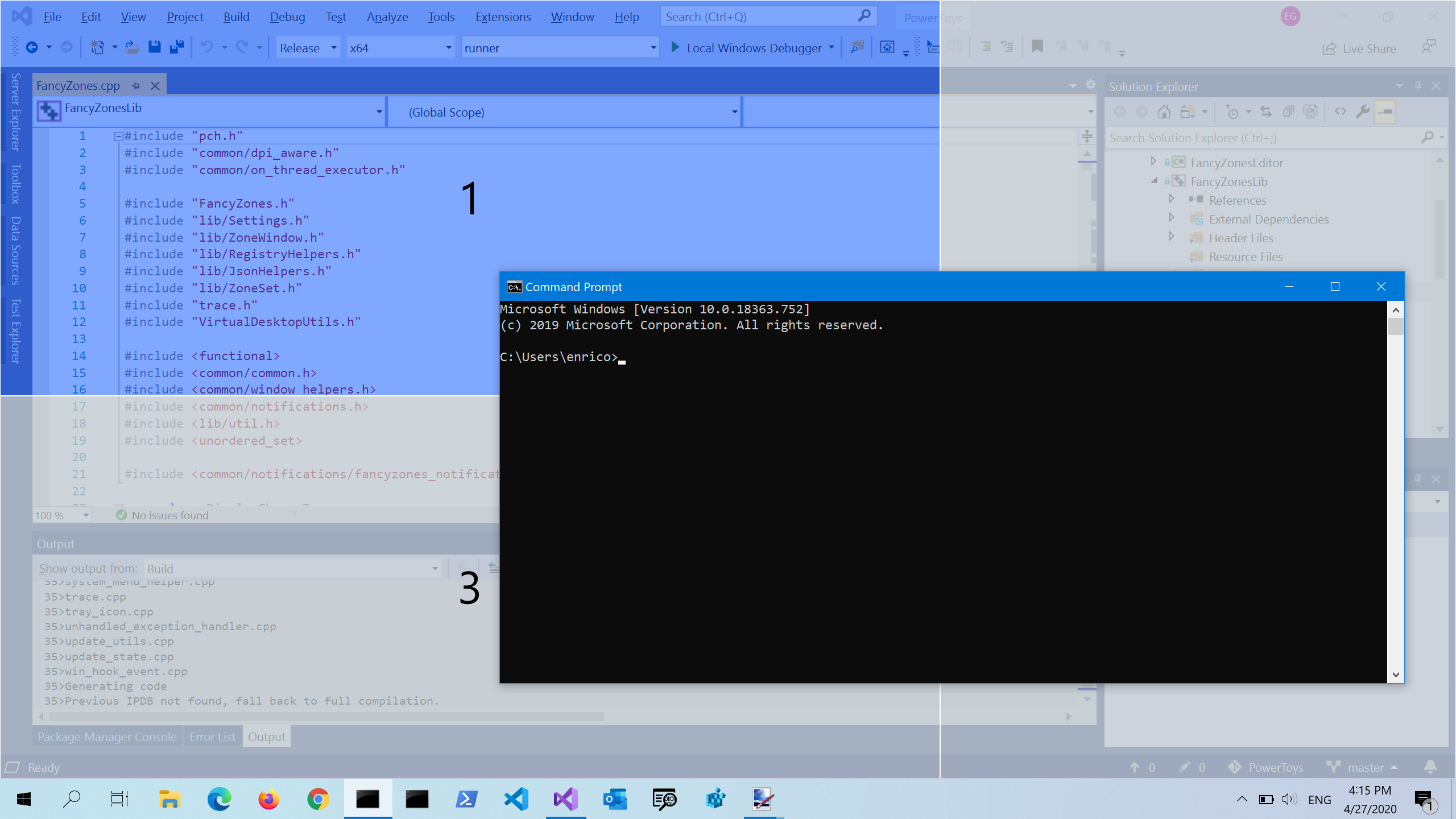
You can start in a browser-based editor, but soon move to a real local or cloud development environment. Create a folder for each exercise and keep the original problem statement beside the code. Learn how to run the program from the editor or terminal, how to read error output, and how to save versions of working code.
Visual Studio Code’s extension marketplace supports language tools, debuggers, and other development features. Microsoft warns that extensions have the same permissions as VS Code itself and that third-party publishers may require a trust confirmation, so install only extensions you understand and review their publisher and README. [4]
Do not install an AI extension merely because it is popular. First learn what it can access, whether it sends your code to a service, what plan it requires, and whether it works on your operating system. Availability can differ between Windows, macOS, Linux, web editors, and managed school or work devices.
Step 3: Use a tutoring prompt instead of a code-generation prompt
Weak prompt: “Build me a to-do app in Python.”
Stronger prompt: “I am learning Python and have written the code below. Ask me two questions that test my understanding. Then point to the smallest mistake without rewriting the whole program. Wait for my attempt before showing a fix.”
The second prompt creates productive friction. You have to inspect the code and make a decision before the assistant supplies an answer.
Useful prompt patterns include:
- Explain: “Explain this function line by line, then give me a similar example with different values.”
- Question: “Give me three exercises about
forloops. Hide the solutions below a clear divider.” - Hint: “I think the bug is in the input handling. Give me one hint, not the corrected code.”
- Review: “Check this code for logic errors, edge cases, security risks, and style. Separate confirmed problems from suggestions.”
- Quiz: “Ask one question at a time. Do not tell me whether I am right until I explain my reasoning.”
- Transfer: “Show the same idea in a different small problem so I can see whether I can reuse the concept.”
Tell the assistant your level, the language version if known, the exact error, what you expected, and what actually happened. Include the smallest reproducible code sample. Remove passwords, API keys, private customer data, and unpublished source code before pasting anything into an online service.
Step 4: Follow the attempt–hint–test loop
A reliable study session has five stages:
1. Attempt
Write your own solution first, even if it is incomplete. For a beginner, ten minutes of trying is often more valuable than ten seconds of copying.
2. Predict
Before running the program, write down what you expect each important line to do. For a function, predict its input and output. For a loop, predict how many times it will run.
3. Ask for a hint
If you are stuck, ask AI to identify the concept you should review or the line worth inspecting. Ask it not to provide the final answer yet.
4. Test
Run the code with a normal input, an empty input, a large input, and at least one invalid input when those cases make sense. Compare the result with your prediction.
5. Explain
Close the chat and explain the solution in your own words. If you cannot explain why it works, you have probably borrowed an answer rather than learned the concept.
Step 5: Build projects that are small enough to finish
After a few exercises, choose a project with a visible result and a strict limit. Examples include a command-line quiz, a unit converter, a personal reading log, a static profile page, or a script that renames files in a test folder. A project should introduce one or two new ideas, not ten.
Ask AI to help you split the project into milestones. Then implement each milestone yourself. Use the assistant for design questions, debugging, test cases, and code review. Keep a short decision log: what you tried, what failed, and what you changed. That record becomes a better learning resource than a long chat transcript.
For web development, MDN’s lessons include challenges and a playground where you can edit examples and test your understanding. [2] For Python, use the interpreter to test small expressions and consult the official tutorial or library documentation when a question concerns language behaviour. [3]
ChatGPT, Gemini, or Copilot: which should a beginner use?
You do not need all three. Start with the tool that fits your workflow and budget.
A general chat assistant is useful when you want explanations, quizzes, a study plan, or help reasoning about an error. OpenAI’s 2026 release notes describe Codex features and say that Free and Go users can try Codex with included limits during a stated promotion; limits and product access are subject to change, so do not assume a particular coding feature is permanent or available in every country. [5]
Gemini can be convenient if you already use a Google account and want help across Google’s ecosystem. Google’s current subscription page lists a free tier and paid AI Plus, Pro, and Ultra plans, but also notes that feature differences, age requirements, rate limits, and country availability apply. Its page says some coding-agent features are beta or subject to availability. [6]
GitHub Copilot is most useful once you are working inside an editor and repository. Its Free plan is limited, and Student access requires verification. Paid prices and included AI-credit allowances can change; the current GitHub documentation lists Copilot Pro at $10 USD per month, Pro+ at $39, and Max at $100. Treat those as a dated reference, not a promise for every market or billing page. [1]
Common mistakes to avoid
Accepting an explanation without testing it
Ask for a minimal example, run it, and change one value. A demonstration that fails under a nearby input is a lesson about assumptions.
Copying dependencies blindly
Review the package name, documentation, maintenance status, permissions, and licence. Never run a command you do not understand with administrator privileges.
Sharing private information
Treat prompts as external processing unless the service’s current terms and settings clearly say otherwise. Strip secrets and personal information from code samples.
Frequently asked questions
Can I learn coding with AI for free?
Yes, you can combine free learning material with a free AI tier, but free plans often have usage, model, feature, or regional limits. GitHub documents Copilot Free and Copilot Student as no-cost options with restrictions, while Google and OpenAI publish changing plan and availability details. [1] [5] [6] You can learn the fundamentals without paying for an AI subscription.
Is ChatGPT good for learning Python?
It can be useful for explanations, hints, quizzes, and debugging, provided you run the examples and consult Python’s documentation. It should not replace practice or verification. The official Python tutorial itself notes that it is aimed at people new to Python, not necessarily people completely new to programming. [3]
Should beginners use AI coding agents?
Use them cautiously. An agent may edit multiple files or run commands, which can hide the decisions you need to learn. Start with a separate practice project, review every diff, keep backups, and do not grant access to private repositories until you understand the tool’s permissions and data handling.
What should I ask AI when I am stuck?
Give it the smallest reproducible example, the exact error, your expected result, and what you already tried. Ask for a hint or diagnosis before asking for a full solution. Then test the proposed fix and explain why it works.
Do I need to pay for GitHub Copilot or a ChatGPT plan?
No. A free course, a local editor, official documentation, and a free AI tier can be enough to begin. Paid plans may provide higher limits or additional coding features, but prices, quotas, eligibility, and availability can change. Check the provider’s current page before subscribing. [1] [5] [6]
AI is most valuable when it helps you do the thinking that leads to code. Keep your first attempt, ask for a smaller hint, test every claim, and build projects you can explain. Used that way, AI can shorten the distance between confusion and a useful next step without removing the learning itself.
AI is also reshaping teaching beyond programming; our report on classroom redesign and AI learning explores that wider education context.
Sources
What's Your Reaction?
 Like
0
Like
0
 Dislike
0
Dislike
0
 Love
0
Love
0
 Funny
0
Funny
0
 Angry
0
Angry
0
 Sad
0
Sad
0
 Wow
0
Wow
0