


































Pixel 11 Pro HiLight Now Glows for WhatsApp Messages From Your Favourite Contacts
Google has confirmed that the Pixel 11 Pro's HiLight notification light now works with WhatsApp messages, not just calls. The addition, confirmed on November 13, 2026, rolls out with Android 17 QPR2 as part of the November 2026 Pixel Drop.
Pixel 11 Pro HiLight Now Glows for WhatsApp Messages From Your Favourite Contacts
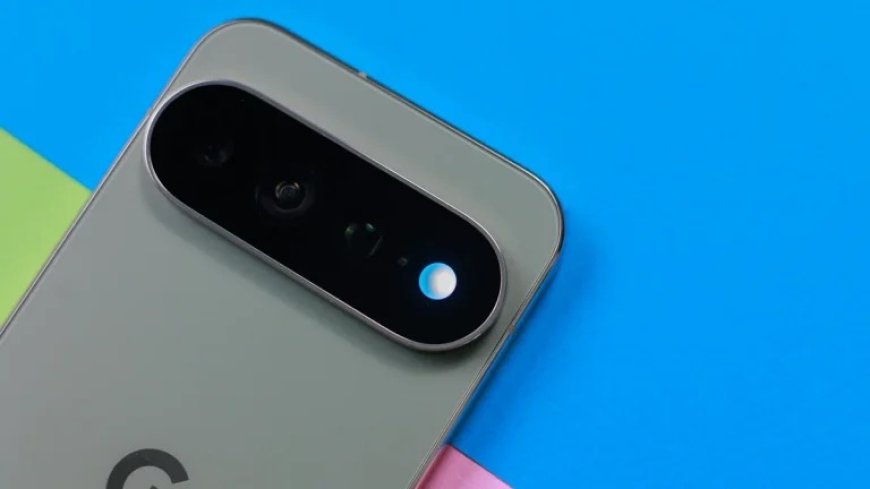
Google has quietly made the Pixel 11 Pro's HiLight notification light more useful for the way many people actually text. The coloured light built into the phone's camera bar now switches on for WhatsApp messages from your favourite contacts, not just for their calls.
Shenaz Zack, Google's Senior Director of Product Management for Pixel, confirmed the change in a short video posted on X on November 13, 2026. "HiLight already worked with WhatsApp calls and now, it works with WhatsApp messages, too, doing the heavy lifting so my favorites get the VIP attention," she said.
WhatsApp messages join calls and Google Messages
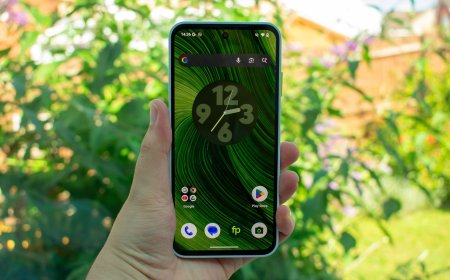
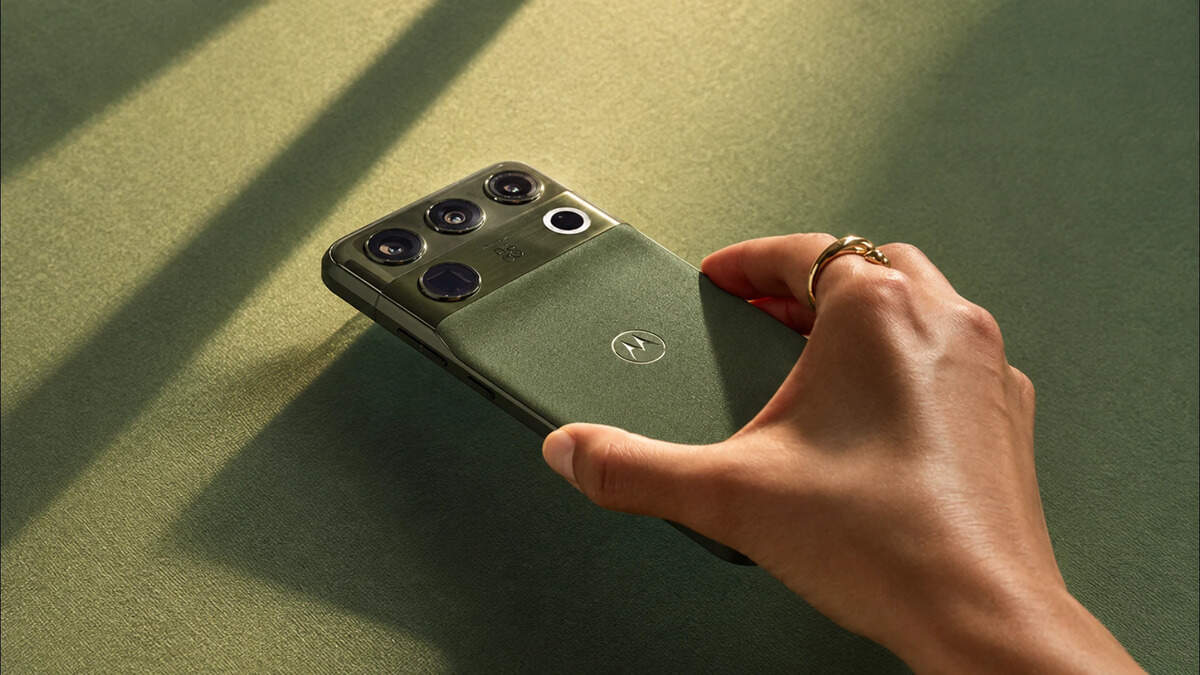
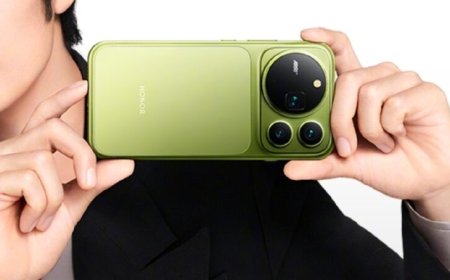
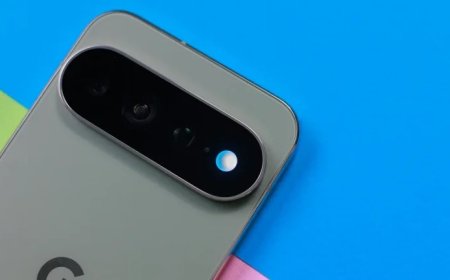
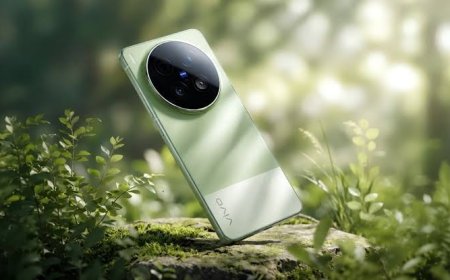
HiLight arrived with the Pixel 11 Pro series in August 2026 as a small ring of light in the camera island, designed to catch your eye when the phone is lying face down. At launch it lit up for calls from favourite contacts, for WhatsApp calls and when talking to Gemini hands-free. A message makes the light blink twice, according to 9to5Google's earlier reporting on the feature.
The November 2026 Pixel Drop, released this week and built on Android 17 QPR2, extended HiLight to messages. In that update, Google said owners could pick a contact, give them a colour and choose whether the light should glow for their calls, their messages or both. But Google's own announcement only mentioned the Google Messages app. WhatsApp support, it turns out, came along as well, without being listed in the official notes.
That matters because for a large share of Pixel owners, WhatsApp is where the conversations happen. Until now, a WhatsApp text from a favourite contact left the light dark while a call from the same person set it glowing. The gap is now closed.
How HiLight works
HiLight is only available on the Pixel 11 Pro, Pixel 11 Pro XL and Pixel 11 Pro Fold. The standard Pixel 11 has no light in its camera bar, so the feature does not apply to it.
Setup works the same way it did for calls and Google Messages. You star a contact as a favourite, assign them a colour and choose whether HiLight should respond to their calls, their messages or both. When that person reaches you and the phone is face down, the camera bar glows in their colour.
Google has not described a separate setting for WhatsApp messages, and the feature appears to use the same favourites and colours as Google Messages. There is no word yet on support for other messaging apps such as Telegram or Signal.
What you need to get it
The WhatsApp message support is enabled by Android 17 QPR2, the update behind the November 2026 Pixel Drop, and Google says it is rolling out now to Pixel 11 Pro devices. As with most Pixel rollouts, it may not reach every phone on the same day, so installing the November Pixel Drop is the first step, followed by checking the HiLight settings for your favourite contacts.
HiLight remains a small feature, but it is one of the more visible ideas Google has added to its flagship phones. A notification light that only worked for calls and one messaging app was easy to ignore. With WhatsApp messages added, the light now covers the two places most Pixel owners actually hear from the people closest to them.
Sources
- 9to5Google — Pixel 11 HiLight now works with WhatsApp messages too
- PhoneArena — Google keeps improving Pixel 11, and here's another amazing upgrade
- Innopark IT — Google Pixel 11 Pro Review: The Best Pixel Ever Made — With One Big Weakness
- Innopark IT — Google Pixel 11 Pro XL Review: The Best Pixel So Far — and Still Just Another Iteration
What's Your Reaction?
 Like
0
 Dislike
0
 Love
0
 Funny
0
 Angry
0
 Sad
0
 Wow
0