




















































iOS 27 Has a Strange Freeze Bug — A Few Swipes Can Lock Up Your iPhone
A strange iOS 27 software bug is making the rounds after users discovered that a very specific sequence of quick swipes can temporarily lock up an iPhone. The phone is not permanently damaged, and a force restart brings it back to normal, but the bug is unusual enough that it has quickly turned into a viral iPhone prank.
A Few Swipes Can Leave an iPhone Looking Completely Frozen
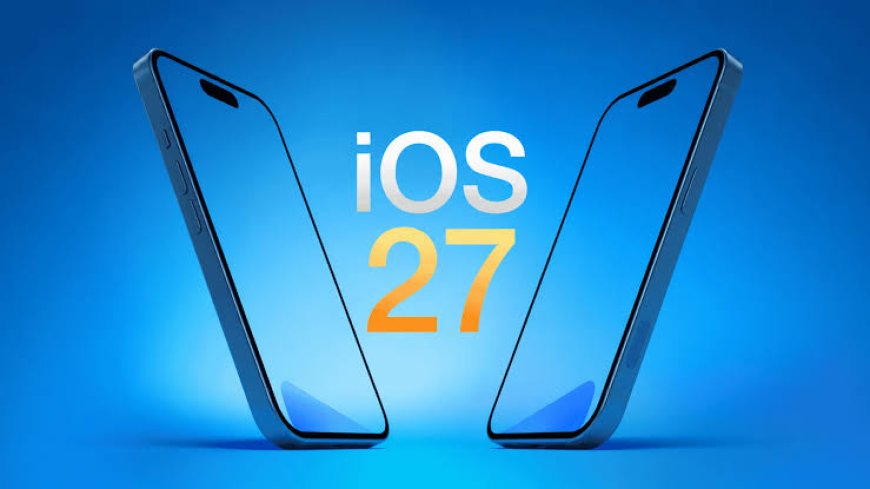
Apple has only recently released iOS 27, but users have already discovered a surprisingly strange bug hiding inside the new software. A particular sequence of quick swipes can temporarily lock up the iPhone's interface, leaving users unable to move between Home Screen pages or interact normally with apps. The issue has been reported on iOS 27.0 and was still reproducible in the iOS 27.2 beta, according to 9to5Mac.
The bug is especially unusual because it doesn't require a complicated combination of buttons or a malicious app. It involves moving between Notification Center and Control Center in quick succession. When the glitch occurs, parts of the interface can become stuck, and ordinary taps and swipes stop responding properly. In some cases, even the normal power-off slider doesn't respond, making the phone look much more seriously broken than it actually is.
Don't Panic — Your iPhone Isn't Permanently Bricked
The good news is that this isn't a hardware failure and doesn't appear to permanently brick the device. It is being described as a software soft-lock, meaning the operating system's interface gets stuck rather than the phone itself becoming permanently unusable. A force restart restores the device to normal, with no indication from the reports that the bug wipes photos, apps or other data.
Apple's documented force-restart procedure for modern Face ID iPhones is straightforward: quickly press and release Volume Up, quickly press and release Volume Down, then press and hold the Side button until the Apple logo appears. Apple's own iPhone documentation lists the same sequence.
Why Is This Bug Getting So Much Attention?
Part of the reason is how easy it is to trigger compared with some older iOS glitches. Reports say the timing involves starting a swipe from the top-left to open Notification Center and then quickly swiping from the top-right toward Control Center before the first animation has finished. If the timing hits the bug's narrow window, the interface can enter the soft-locked state.
That has also turned the discovery into something of an internet prank. People have been sharing the gesture sequence on social media and using it to surprise other iPhone users. But because it deliberately causes someone else's phone to become temporarily unresponsive, it's better treated as a software bug worth knowing about rather than something to try on somebody else's device.
iOS 27 Isn't Being Described as a Broken Update
It's important to put the issue into perspective. The reports describe a specific reproducible interface bug, not evidence that every iPhone running iOS 27 is randomly freezing. The problem requires a particular sequence and timing, and affected phones can be recovered with a force restart.
Still, bugs like this are exactly the sort of thing Apple normally addresses through subsequent software updates. The fact that the issue was reportedly still present in the early iOS 27.2 beta suggests that users may have to wait for a later build before the underlying problem disappears completely.
What Should iPhone Users Do?
If your iPhone suddenly becomes unresponsive after using the top-corner swipe gestures, there's no need to assume that the phone has suffered permanent damage. A force restart should bring the interface back. If the problem happens repeatedly during ordinary use, keeping iOS updated is sensible, since Apple can address bugs like this in future releases.
For now, the biggest lesson from this strange iOS 27 episode is that even a polished smartphone operating system can contain tiny combinations of gestures that expose unexpected behavior. And in this case, it took only a couple of quick swipes for the internet to turn a minor software glitch into one of the strangest iPhone stories of the week.
What's Your Reaction?
 Like
0
Like
0
 Dislike
0
Dislike
0
 Love
0
Love
0
 Funny
0
Funny
0
 Angry
0
Angry
0
 Sad
0
Sad
0
 Wow
0
Wow
0